What's in each plan
What Solo, Team and Business include, how to see your workspace's plan, and what happens when you move up or down.
Your words may differ. Each workspace can choose its own words: a class might be a cohort, program or group, a learner a participant, trainee or new hire, a session a module or lesson. These guides use the default words. The steps are the same whatever your workspace calls them. Change your workspace's words
Skovrum has three plans: Solo, Team and Business. The plans don't decide how much of Skovrum you get. Every report, every analytic and every AI feature is on every plan. What changes is how many people can write, and the extras a team or a brand needs.
- Solo and Team are the same product. Team adds only the things that need more than one person, listed in the table below.
- Business adds your own brand and priority support, and has no limit on trainers.
Prices are on skovrum.com/pricing. For the prices, the launch offer and how to sign up, see Choose a plan and reserve or buy.
What each plan includes
| Solo | Team | Business | |
|---|---|---|---|
| Trainers (people who write) | 1 | As many as you pay for, from 2 | 10 included, then as many as you need |
| Read-only viewers | 1 | 2 for each trainer | Unlimited |
| Learners | Unlimited | Unlimited | Unlimited |
| File storage | 2 GB | 10 GB | 50 GB |
| AI summaries a day | The standard allowance | The standard allowance | 3× the standard allowance |
| Notes, classes, sessions, attendance, live mode | Yes | Yes | Yes |
| Surveys and survey emails | Yes | Yes | Yes |
| Certifications, certificates and learning paths | Yes | Yes | Yes |
| Reports, analytics, exports and AI summaries | Yes | Yes | Yes |
| Backups and full export | Yes | Yes | Yes |
| Custom roles | Yes | Yes | |
| Audit log | Yes | Yes | |
| Coaching and peer observation | Yes | Yes | |
| Team Questions board | Yes | Yes | |
| Announcements | Yes | Yes | |
| Your logo and brand color | Yes | ||
| Emails sent in your name | Yes | ||
| Your own support contact | Yes | ||
| Certificates in your name | Yes | ||
| Priority support | Yes |
Every plan can rename the built-in roles. The exact AI allowances are in Limits.
See your workspace's plan
Go to Manage, then the Workspace tab. The first card shows your plan.
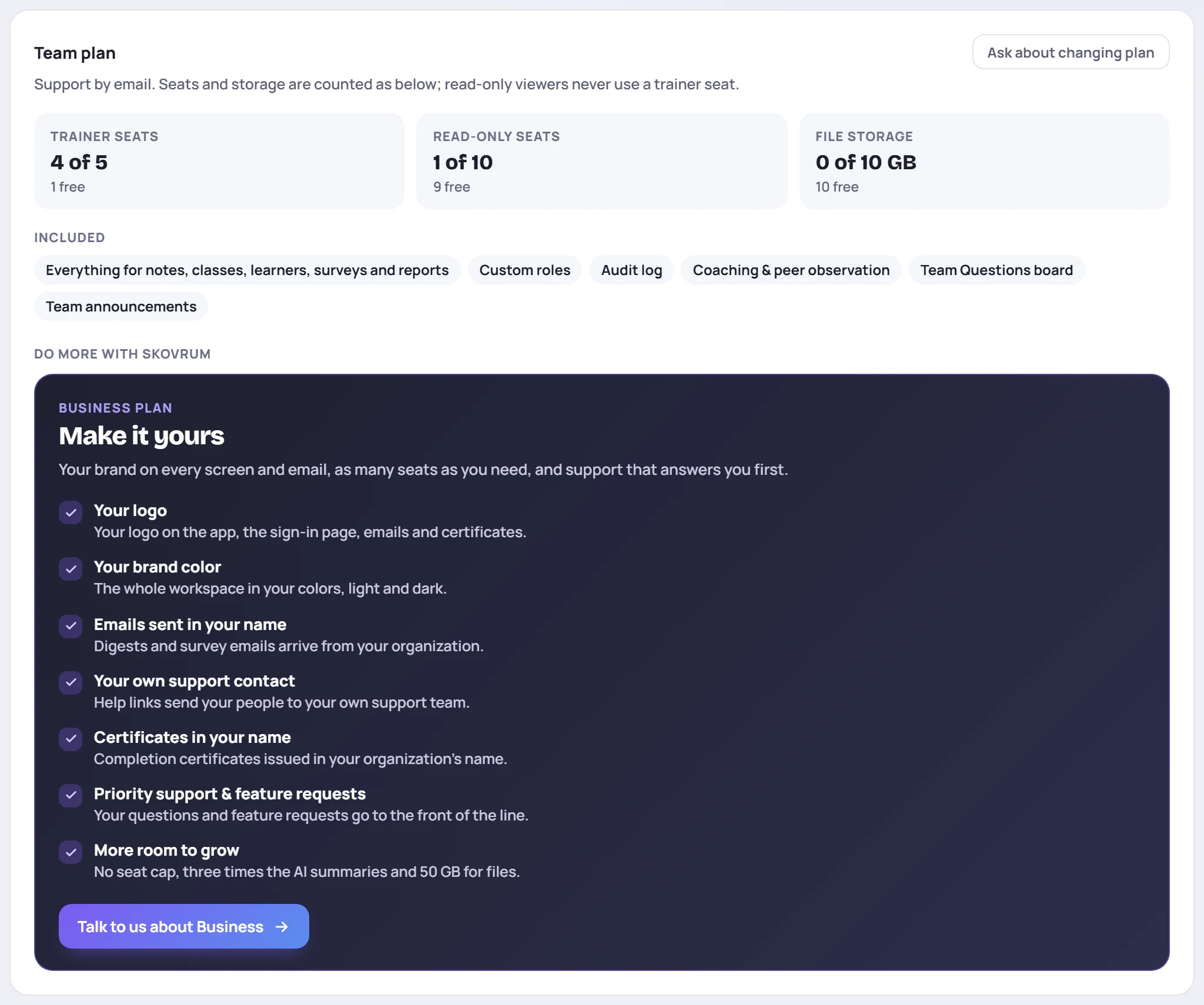
From the top:
- Trainer seats, Read-only seats and File storage show what's in use against your plan's limits. See Seats and viewers.
- Included lists what your plan has.
- Do more with Skovrum shows what each bigger plan would add, if there is one.
The card never shows a price. To see or change what you pay, see Billing.
On Solo, the card shows both bigger plans side by side:
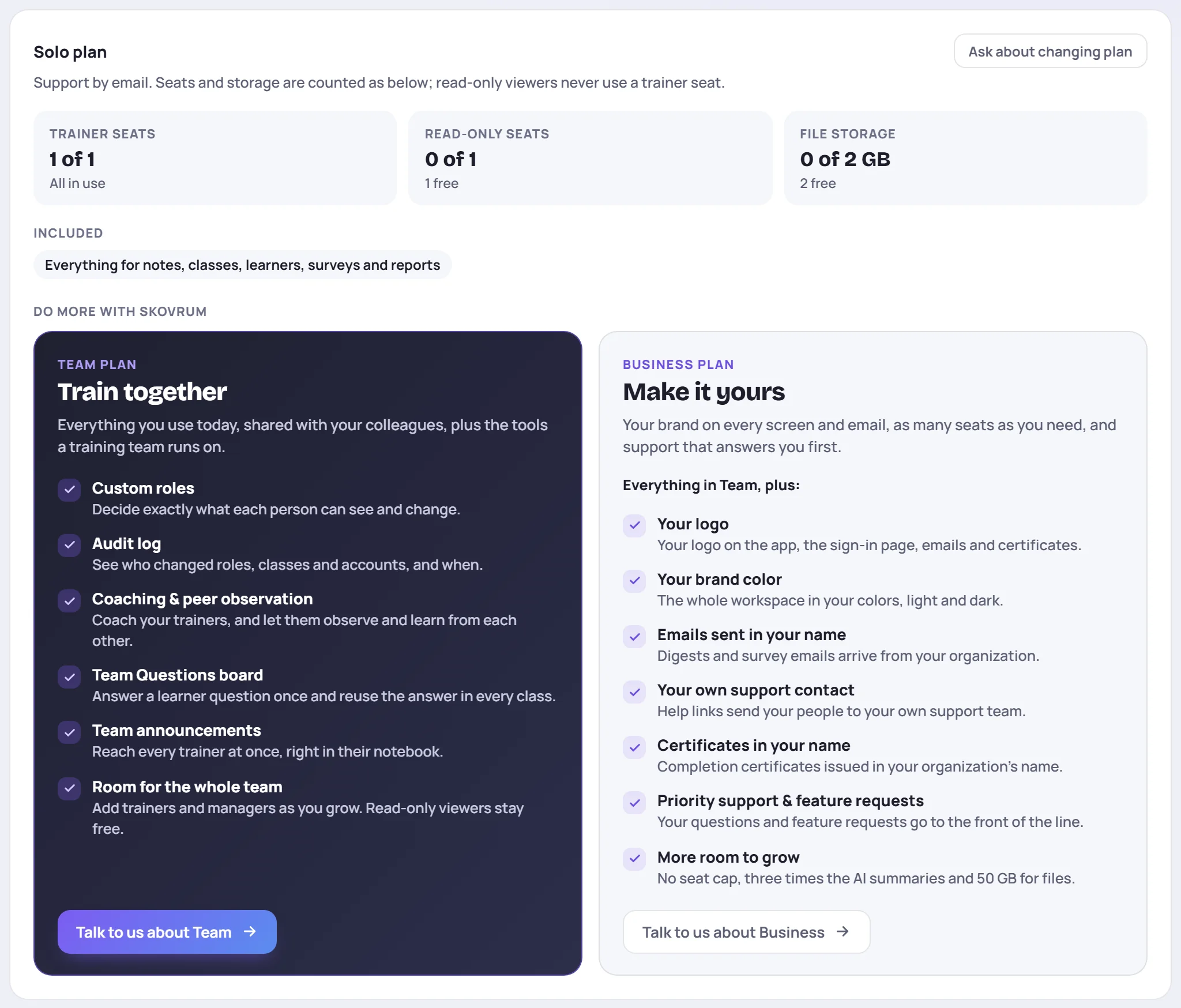
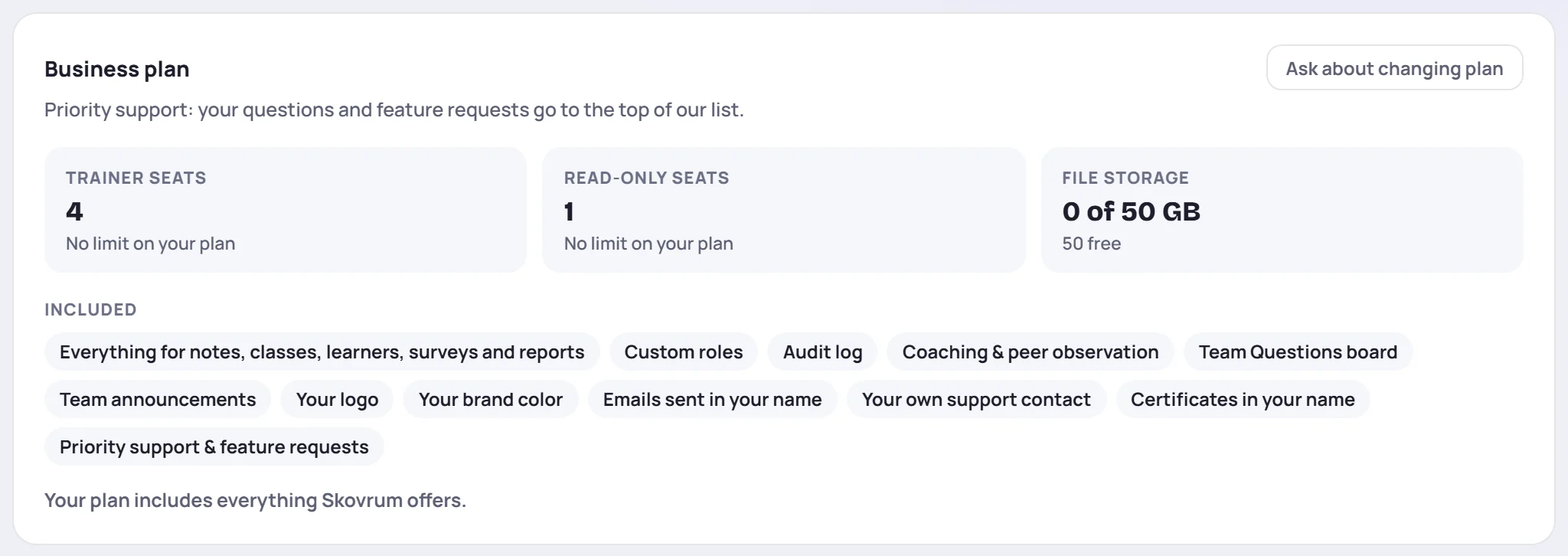
On Business, it says Your plan includes everything Skovrum offers.
Change your plan
Use the button in the top right of the plan card:
- Ask about changing plan opens an email to Skovrum support. Write what you'd like to change and we'll take it from there.
- Manage billing and plan appears instead if your workspace pays by card. It opens the billing page, where you can change plan or number of trainers.
The Talk to us about Team and Talk to us about Business buttons on the cards below also open an email to support.
What happens when you move up or down
Moving up turns the new features on for everyone straight away, usually within a minute or two of the change. Nothing needs to be set up again.
Moving down never deletes anything. Settings for features the new plan doesn't include are kept, just not used, and they come back if you move up again. For example:
- Your logo and brand color stay saved, but the workspace goes back to Skovrum's own look.
- The audit log keeps recording on every plan. Only reading it needs Team, so if you move back up, the whole history is there.
If the smaller plan has fewer trainer seats than you have trainers, your Admins get 7 days to sort it out before anyone loses write access. See More trainers than seats.
Common questions
Do learners need a seat? No. Learners never sign in, and every plan includes unlimited learner profiles.
Why can't I see something another workspace has? It may not be on your plan, or your role may not include it. See Why can't I see a feature?