The audit log
See who changed roles, users, learner records, the catalog and backups, and when. Filter it, open an entry, and download it as a spreadsheet.
Your words may differ. Each workspace can choose its own words: a class might be a cohort, program or group, a learner a participant, trainee or new hire, a session a module or lesson. These guides use the default words. The steps are the same whatever your workspace calls them. Change your workspace's words
The audit log records the changes that matter for running a workspace safely: who invited, deactivated or signed out a user, who changed a role, who erased a learner, who downloaded a backup. Each entry says who did it, what they did and when.
On the Solo plan there's no Audit tab, but the log is still written. If you move to Team or Business, the history is already there.
Read the log
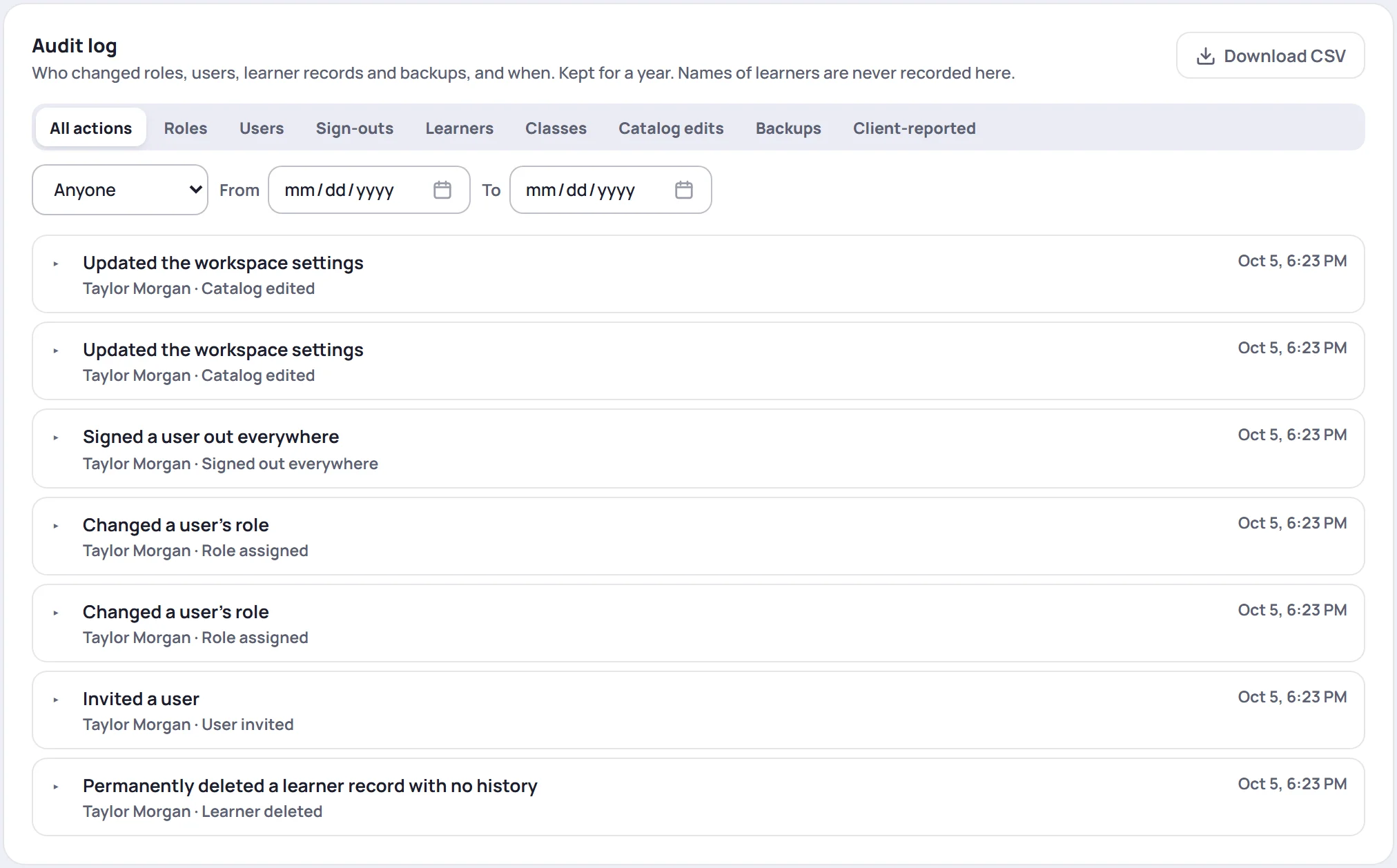
Each entry shows a one-line summary, who did it, the kind of action and the time. Click an entry to see its details, such as the role someone had before and after.

Entries come 50 at a time. Click Older at the bottom for more.
Filter it
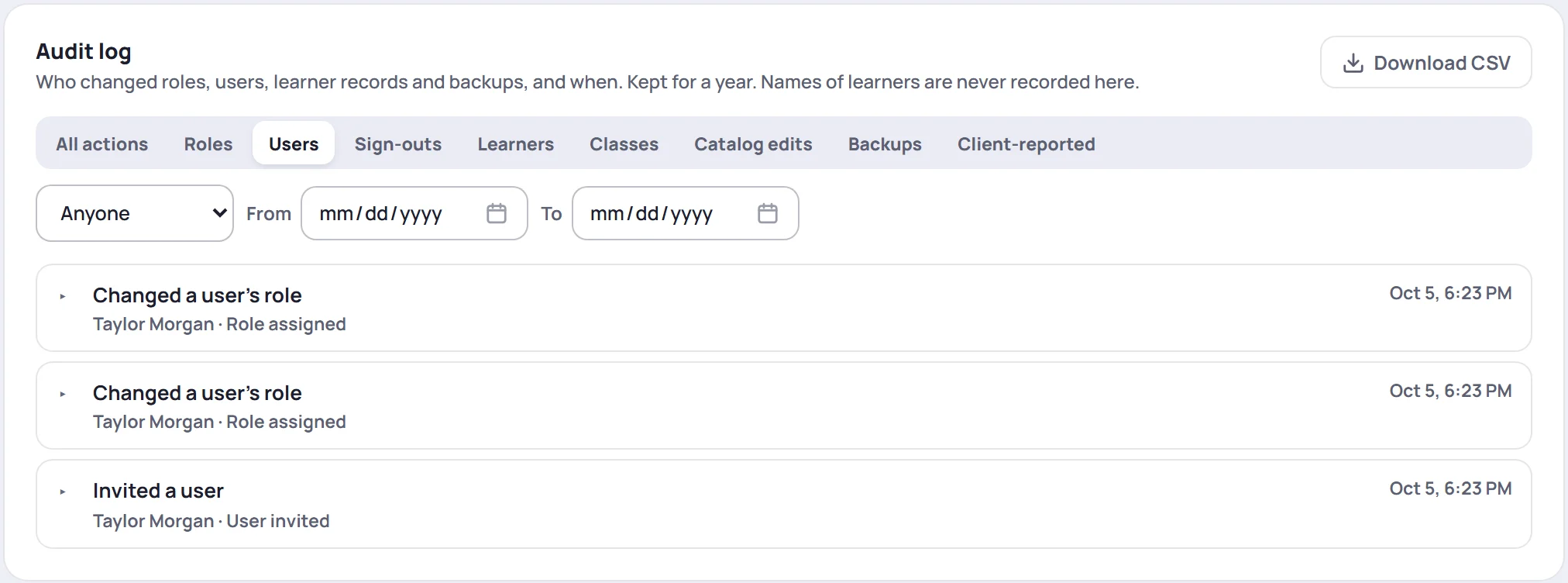
- The action buttons narrow the list to one kind of change: Roles, Users, Sign-outs, Learners, Classes, Catalog edits, Backups or Client-reported. All actions shows everything.
- Who shows one person's actions. Anyone shows everyone's.
- From and To limit it to a range of dates.
What's recorded
| Filter | Recorded |
|---|---|
| Roles | A role created, changed or deleted |
| Users | A user invited, deactivated, reactivated or deleted, a role assigned, a sign-in email changed, a password link sent |
| Sign-outs | Sign out everywhere, by an Admin or by the person themselves |
| Learners | Learner profiles merged, a learner erased, a learner deleted |
| Classes | A class deleted |
| Catalog edits | Changes to courses, certifications, competencies, countries, clients, survey templates, learning paths and the workspace settings |
| Backups | A full backup downloaded or restored |
| Client-reported | Spreadsheet downloads and score imports, as reported by people's browsers |
Deleting a course, certification, competency, learning path or survey template is recorded too, and so is deleting a session or a survey response. Those entries show under All actions. Entries made by Skovrum itself, such as clearing out old entries, show System as who did it.
What isn't recorded
The audit log is about administration, not everyday work. It doesn't record notes, observations, attendance, scores, tasks or ordinary edits to classes and learners. Those have their own history where it matters, such as a note's edit history.
Learners' names are never written to the log. Entries say a learner and carry ids and counts, not names or note text. That way the log itself never needs erasing when a learner asks to be forgotten.
Download it
Click Download CSV for a spreadsheet of the entries that match your filters.
How long entries are kept
A year. Entries older than 365 days are removed automatically, and the removal itself is logged as Old entries pruned. Download the CSV regularly if you need a longer record.
The audit log isn't part of a full backup.
Common questions
Can anyone change or delete an entry? No. Nobody in the workspace can edit or delete audit entries.
Why does an entry say Removed user? The person who made the change is no longer in the workspace.
Why can't I see Audit? Either your plan is Solo, or your role can't manage users. See Why can't I see a feature?