What learners see in a survey
The survey form learners open from a link, how their name and anonymity work, and what they see when a link has closed.
Your words may differ. Each workspace can choose its own words: a class might be a cohort, program or group, a learner a participant, trainee or new hire, a session a module or lesson. These guides use the default words. The steps are the same whatever your workspace calls them. Change your workspace's words
Learners never sign in to Skovrum. A survey link opens a single page with the form on it, which works on a phone or in any web browser. This page shows what they see, so you can tell them what to expect.
The form
A learner opens the link from a QR code, a chat message or a survey email. The form shows:
- the survey's name, with the class and the session date under it;
- the questions, with required ones marked with a red star (a note at the top explains the star);
- a Send feedback button.
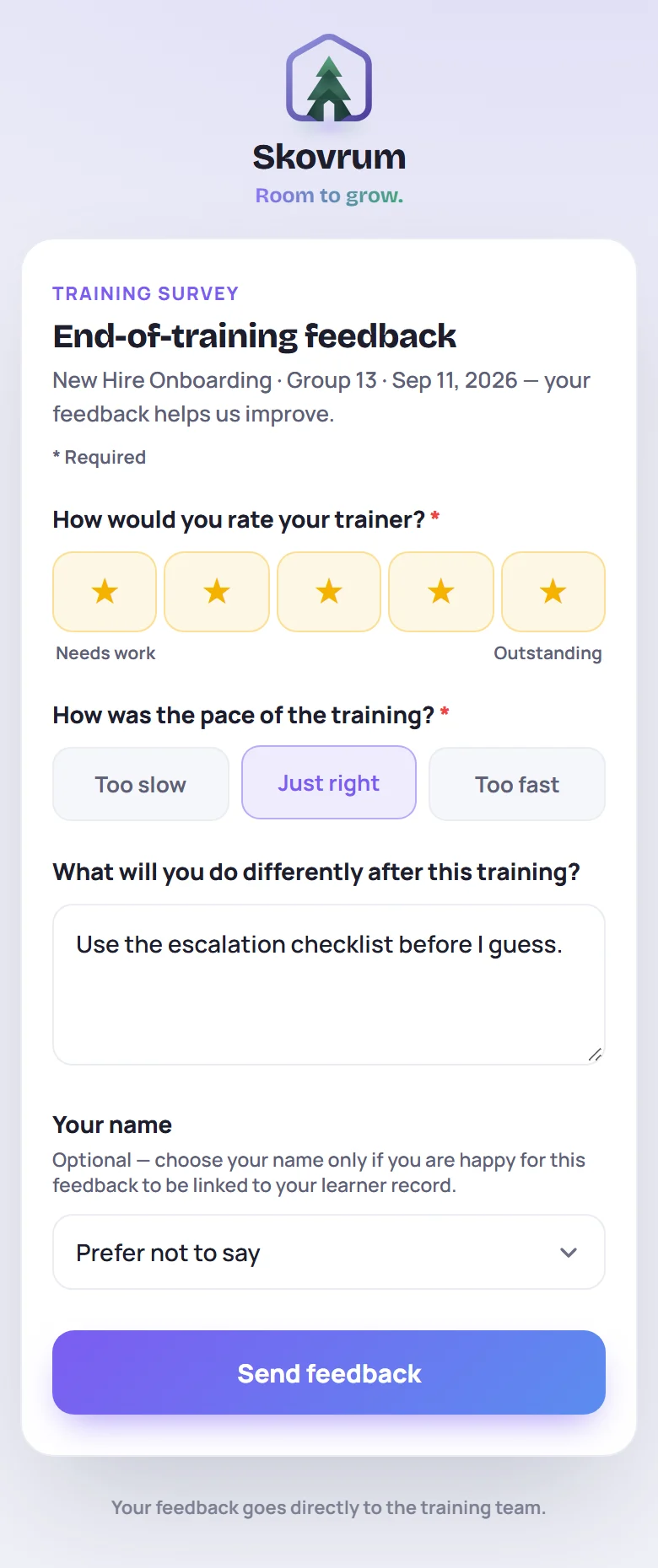
How each kind of question works for the learner:
| Question | What they do |
|---|---|
| Rating | Tap one of five stars. The labels under the row say what each end means, such as Needs work and Outstanding. |
| Choice | Tap one of the options. |
| Comment | Type in the box. |
| Name | Pick their name from a list, or leave it on Prefer not to say. |
If they miss a required question, the form highlights it and says Please answer the highlighted question. Nothing is sent until every required question is answered.
A workspace on the Business plan with its own logo shows it at the top, with Powered by Skovrum underneath. Learners can switch between light and dark with the button in the bottom-right corner.
Names and anonymity
On a feedback survey, a learner's name is always their choice.
- If the survey has no name question, every answer is anonymous.
- If it has one, it's optional. The list shows the class roster as of that session, as first names with a last initial (Tara O.), and starts on Prefer not to say. Under it, the form explains: Optional — choose your name only if you are happy for this feedback to be linked to your learner record.
An anonymous response records the answers, the session and the time, and nothing about who sent it. Everyone in a session uses the same link, so the link doesn't identify anyone either, even when it came by email. Trainers see the response signed Anonymous.
When a learner picks their name, trainers see it signed with that short name, and it appears on the learner's timeline.
A self-assessment is different: learners must choose their name, because their answers are saved to their record to compare before and after. Its button reads Save my answers.
After sending
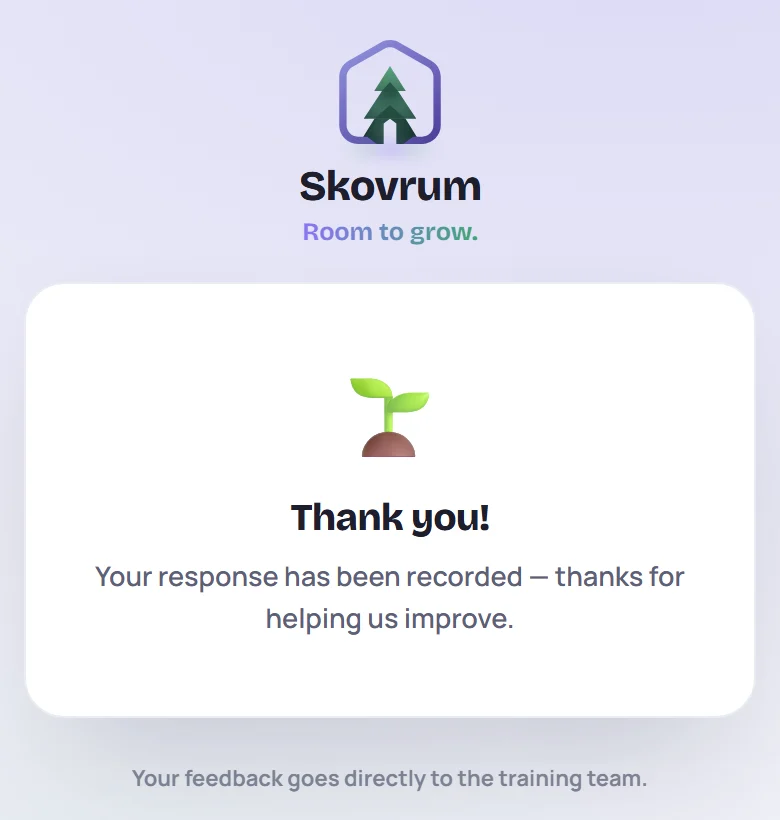
The form is replaced with Thank you! The answers reach Skovrum straight away.
A learner can send a feedback survey more than once from the same link: each send is a new response. A self-assessment takes one answer per name. A second try under the same name gets Answers for this name are already saved. If they need changing, ask your trainer.
When a link has closed or changed
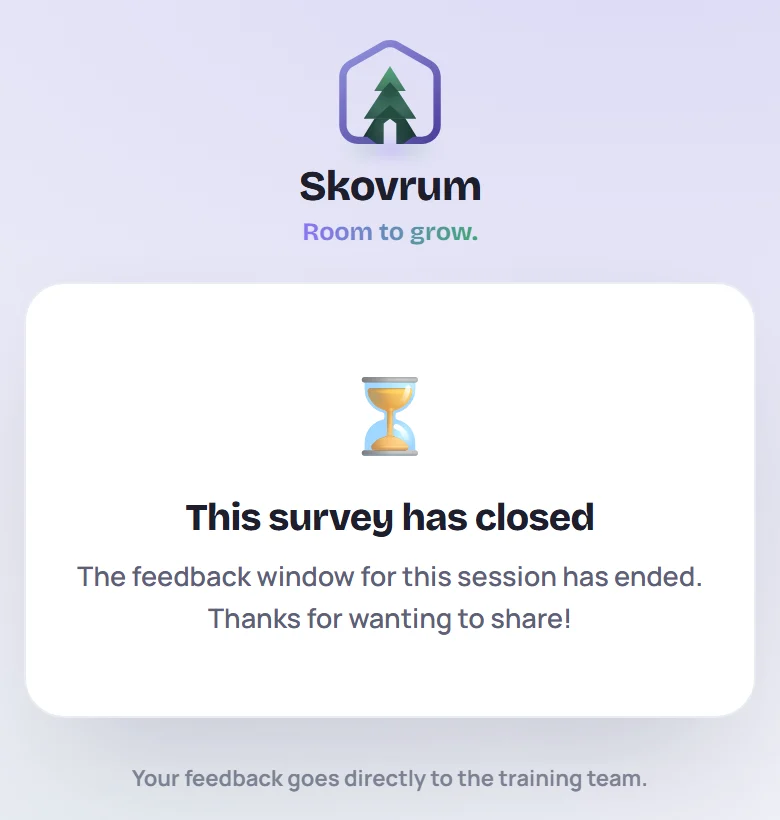
| The learner sees | Because |
|---|---|
| This survey has closed | The link's open window has ended. A feedback link closes the number of days after its session that the trainer chose. |
| Survey not found | The link was revoked or replaced, or isn't complete. They need the current link from their trainer. |
| Too many submissions from this connection — please try again in a few minutes. | A very large number of responses came from the same network at once (60 in 15 minutes), or the link has reached its limit of 300 responses. |
| No connection | Their device is offline. They can reload the page once they're back online. |
Common questions
Does the survey work on a work laptop with no Skovrum account? Yes. Any web browser can open it, with no account and nothing to install.
Can learners change an answer after sending? No. They can send the feedback form again, which adds a second response.
Who reads the answers? The trainers who run the session and class, Admins and Supervisors. See Read responses. The page's footer tells learners: Your feedback goes directly to the training team.