Clear old data
Remove old notebook notes, old session notes and completed tasks in bulk from Manage → Data, and what each button removes.
Your words may differ. Each workspace can choose its own words: a class might be a cohort, program or group, a learner a participant, trainee or new hire, a session a module or lesson. These guides use the default words. The steps are the same whatever your workspace calls them. Change your workspace's words
Over time a workspace collects notes nobody needs any more. The Clear old data card removes them in bulk, everything before a date you choose.
Clear notes or session notes before a date

- Choose the date. Everything dated before it goes; the date itself is kept.
- Click one of the buttons:
| Button | Removes |
|---|---|
| Clear notes before date | My Notebook notes dated before then: your own, and announcements. Other people's notebooks aren't touched. |
| Clear session blocks before date | The notes and observations written in sessions dated before then, across every class. Other people's private notes aren't touched. |
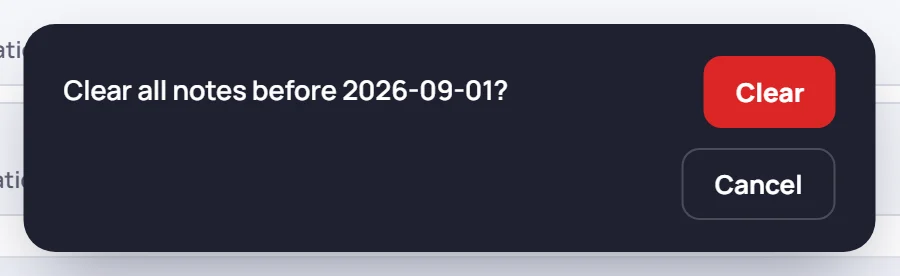
Skovrum then asks you to confirm, for example Clear all notes before 2026-09-01? Click Clear, or Cancel.
When you click Clear, Skovrum first downloads a copy of what it's about to remove, as a file on your computer. That copy is for your records. It can't be loaded back into Skovrum.
Clear completed tasks
The Tasks card just above shows how many completed tasks are in the list. Clear completed tasks deletes all of them straight away, for the whole team. It doesn't ask first and doesn't download a copy, so be sure before you click.
Common questions
Does clearing old session notes remove the sessions or attendance? No. Sessions, attendance, scores and learners stay. Only the notes go.
Can I clear one learner's data instead? Yes, but not here. To remove everything about one person, see Archive, delete or erase.